
How do I log in to my PVOLVE streaming account?Updated 4 months ago
You can log in to your account by visiting our website www.pvolve.com or downloading our mobile app on the App Store or Google Play Store.
Website
- Head to pvolve.com
- Click on "Streaming Classes" in the top right corner

- Then click "Log in"
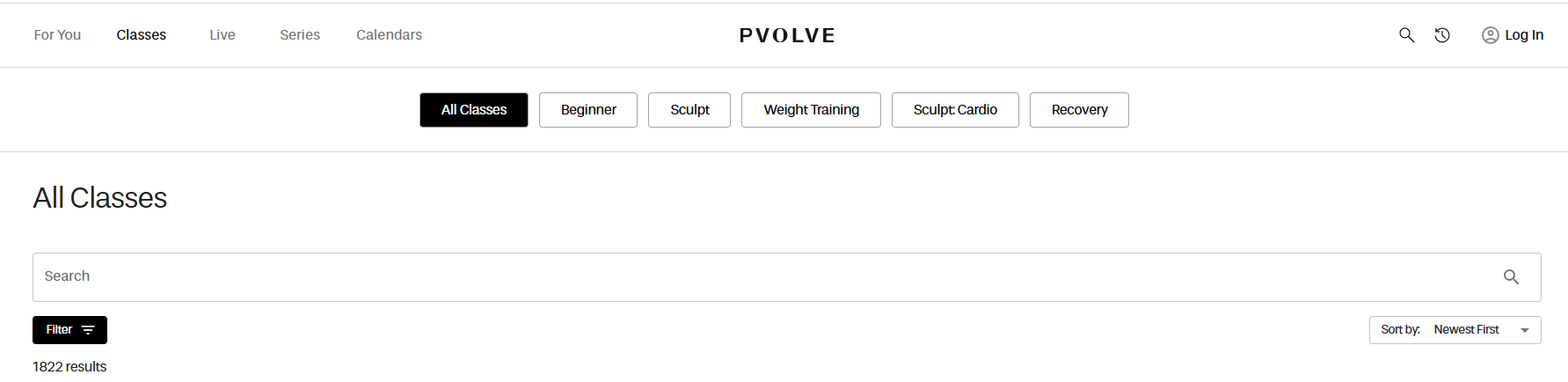
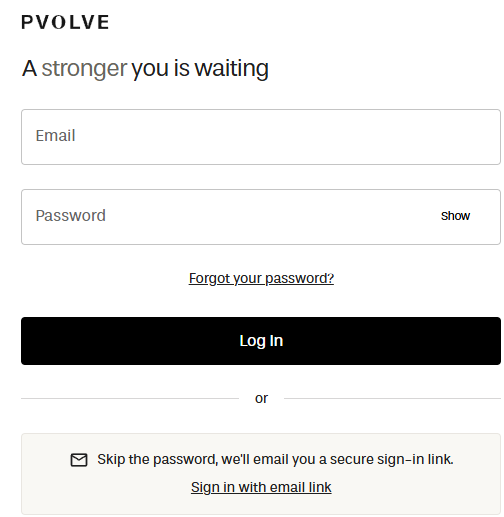
- Please enter your email and password select "Log In".
Mobile App
- Please download the Tan PVOLVE Streaming App
- Open the app and click "Log in"
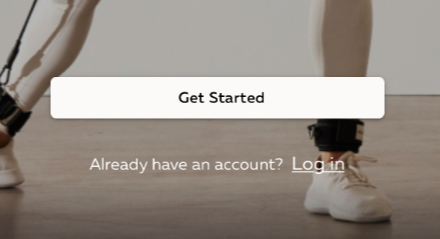
- Please log in using your credentials

Sign in with and email link
You can also log in to the website and mobile app by choosing the "Sign in with an email link" option. We’ll send a secure sign-in link to your email address. Please note that secure sign-in links expire after 30 minutes..
Note: If you signed up for PVOLVE with Facebook, Apple, or Google, please know those login methods have been deprecated in 2024. If your account is associated with one of these login methods, please reach out to [email protected] for further assistance.