
How to reset my PVOLVE streaming account passwordUpdated 4 months ago
- Head to app.pvolve.com/sign-in
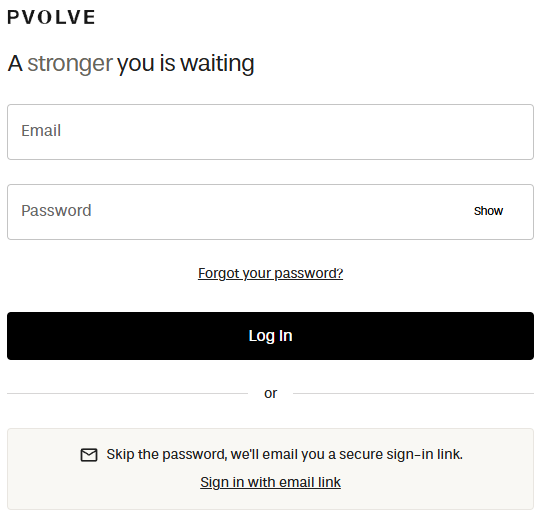
- Click the "Forgot you password" option
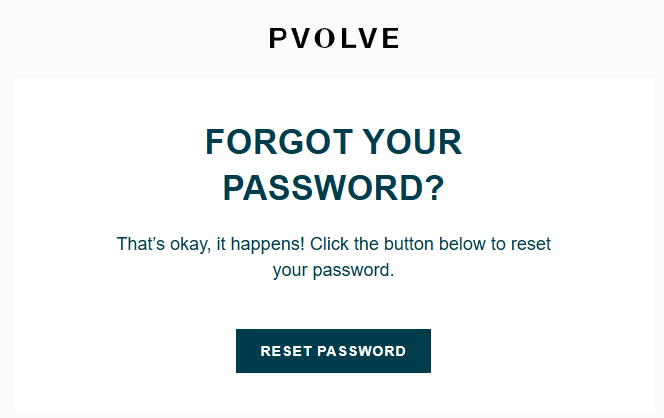
- Enter the email address associated with your account, then select "Send Email". We’ll send you a link to reset your password. Please look for an email from [email protected].
You can also sign in without a password by selecting the "Sign in with email link" option. Enter the email address associated with your account, and we’ll send you a secure link to sign in. This feature is currently available on our website and is not yet available in the mobile app.
If you do not receive the email, please check your spam or junk folder. If you still cannot find it, contact [email protected] for assistance.