How do I update my PVOLVE membership plan?Updated 7 months ago
If you’d like to renew with a different membership plan, you can update your membership to one of our current available plans.
Pricing for PVOLVE Membership Plans
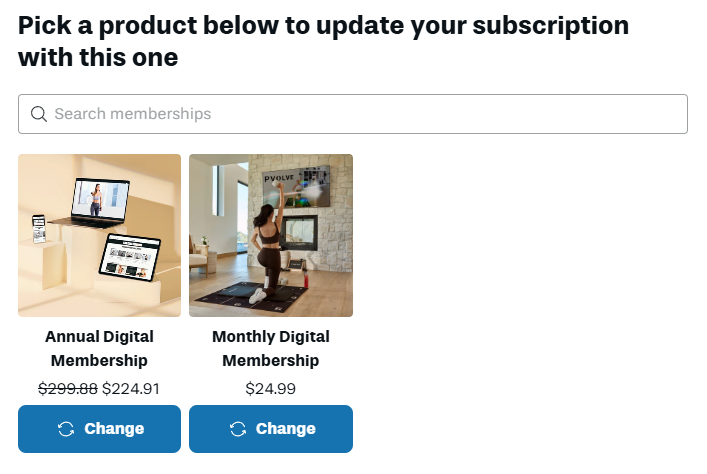
- Monthly Membership - $24.99 every month
- Annual Membership - $224.91 every year (equivalent to $18.74/month)
How to Update Your Membership Plan
- Click here to log in to your account
- Click your initials in the top right corner to open your Account Settings

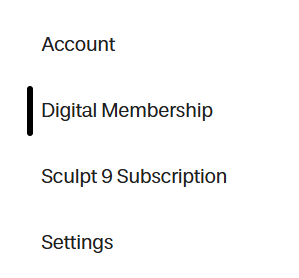
- Navigate to the Digital Membership tab
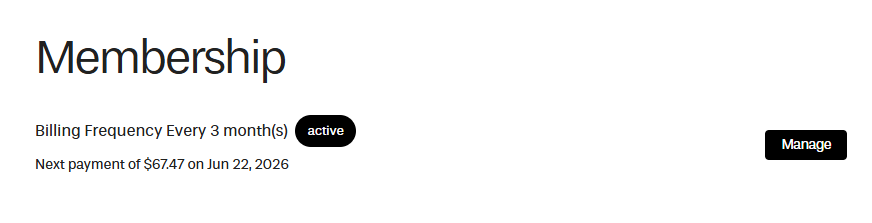
- Select Manage
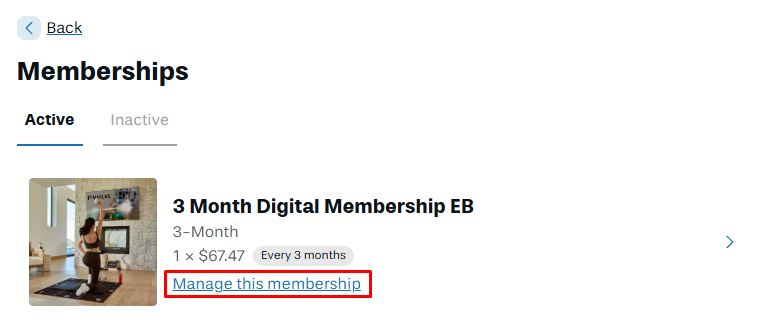
- Click Manage this membership
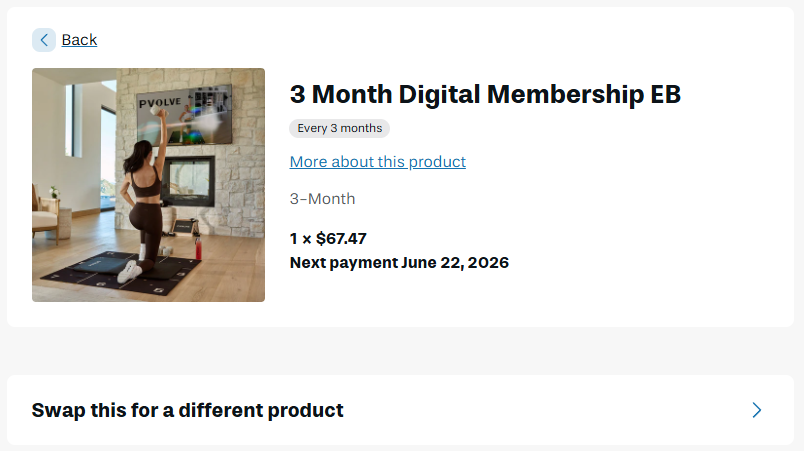
- Select Swap this for a different product
- Select the preferred membership plan and click Change
Keywords: Upgrade, Downgrade, Switch, Update, Manage