
How do I update the payment method for my streaming membership?Updated 2 days ago
How to Update Your Method of Payment
- Click here to log in to your account
- Click your initials in the top right corner to open your Account Settings

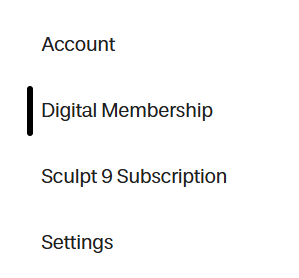
- Navigate to the Digital Membership tab
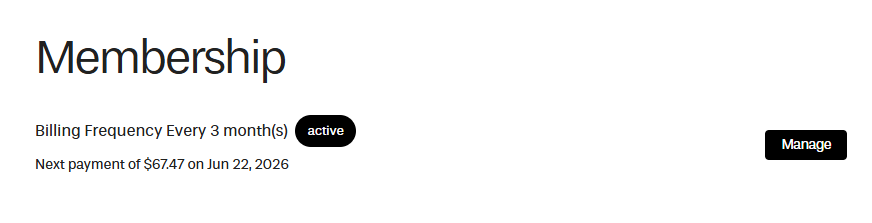
- Select Manage
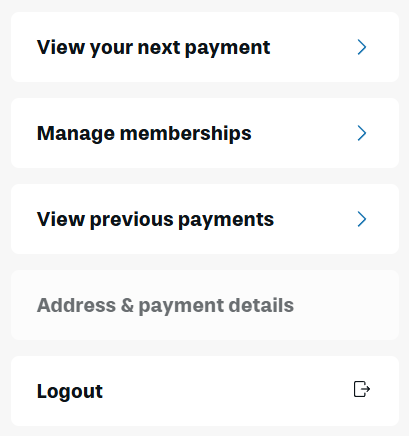
- Click Address & payment details
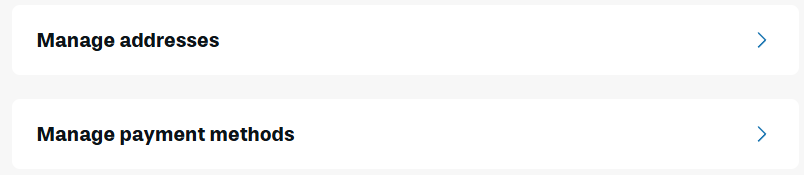
- Select Manage payment methods
- Click Edit and Send edit payment link
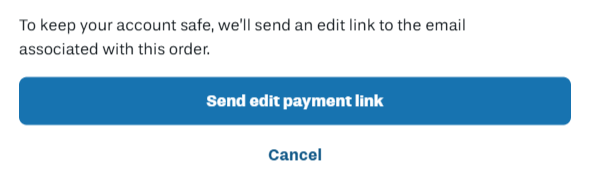
A secure link will be sent to your email that will allow you to update your payment method.
Keywords: Upgrade, Downgrade, Switch, Update, Manage, Change Payment Method